
Main navigation

Translate page Translate
  • Home
  • How to vote
    • Register to vote
    • Voter ID
    • Ways to vote
    • Why vote?
  • Our work
    • London Voter Registration Week
    • Voter ID campaign
    • Impartiality and governance
    • Reports and research
    • GLA democratic participation grants
  • Resources
    • Civic and democratic participation
    • Voter Registration
    • Voter ID
    • Political and media literacy
    • BSL and Easy Read
  • Blog
  • Contact us

Breadcrumb

  1. Home
  2. Resources
  3. eVisa as Voter ID - 3/4 - X (Twitter)

eVisa as Voter ID - 3/4 - X (Twitter)

English
X (Twitter) resources
General image
eVisa as Voter ID - X
png87.5 KB
Download
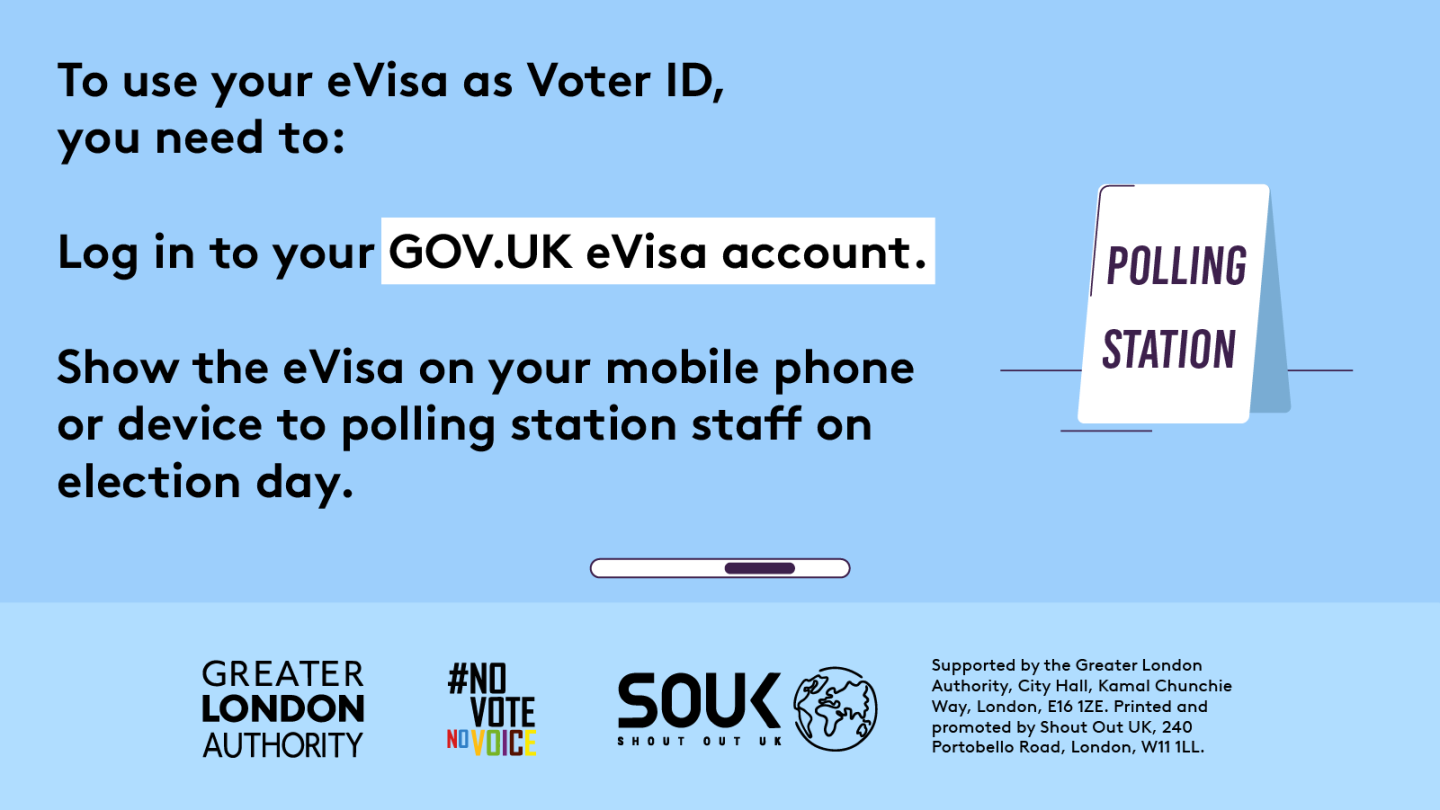
To use your eVisa as Voter ID you need to log in to your gov dot UK eVisa account and show the eVisa on your mobile phone or device to polling station staff on election day. A sign with ‘polling station’ to show people the way.

eVisa as Voter ID - 1/4 - X (Twitter)

Civic and democratic participation
Voter ID
English
X (Twitter) resources
General image

eVisa as Voter ID - 2/4 - X (Twitter)

Civic and democratic participation
Voter ID
English
X (Twitter) resources
General image
eVisa as Voter ID - 4/4 - X (Twitter)

Civic and democratic participation
Voter ID
English
X (Twitter) resources
General image
GLA Democracy Hub

City Hall, Kamal Chunchie Way, 
London, E16 1ZE

[email protected]

Footer Column 1

  • Accessibility statement
  • Privacy and cookie policy
  • Terms and conditions

Footer Column 2

  • BSL and Easy Read resources
  • Free Voter Authority Certificate
  • How to vote
  • Impartiality toolkit
  • Register to vote anonymously
  • Voting at a polling station

Footer Column 3

  • Blog
  • Contact us
  • Our partners
  • Our work
  • Resources

Connect with us

Translation disclaimer